Tasks with a clear next step
Organise tasks, set priorities, add checklists and plan ahead.
TASKS · TEAMWORK · CALENDARS
Daymark helps teams plan their working days, organise tasks by category, track priorities and deadlines, and see what needs attention next.
An invitation from your workspace owner gives you access to your team’s work.
A LOOK INSIDE DAYMARK
Today’s priorities, tomorrow’s plan and your team’s progress in one place.
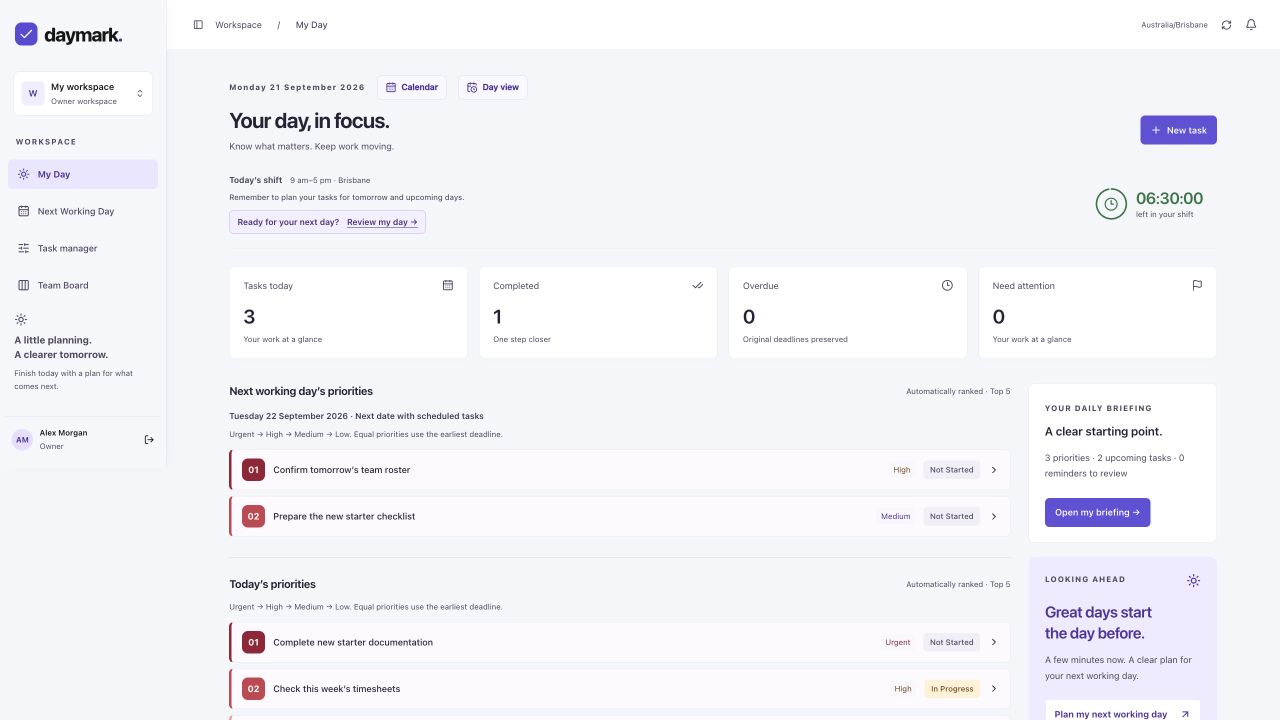
Organise tasks, set priorities, add checklists and plan ahead.
View work by date or time block and bring selected calendar events into Daymark.
Owners and administrators assign workspace access, review progress and support staff.
OPTIONAL CALENDAR CONNECTIONS
Connect Google Calendar or Microsoft Outlook, select a work calendar and choose the Daymark workspace where its events belong. Preview category and priority rules before enabling automatic imports.
Daymark uses read-only calendar access. It creates tasks in Daymark and does not change events in your source calendar. You can pause imports or disconnect in Settings.
Read how Daymark uses calendar dataImported tasks are visible to people with permission to access the destination workspace. Calendar connection credentials remain private.
You can also use Daymark without connecting a calendar.